How to Check If a Website Is Safe: IP, DNS, and Domain Signals Published: 19 Jun, 2026
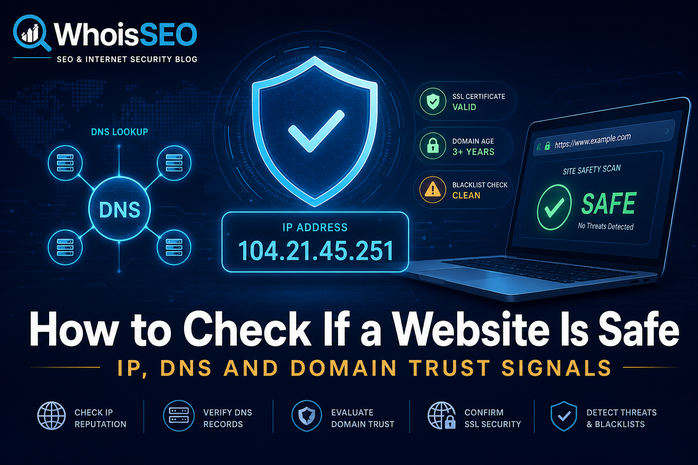
Before entering credentials, downloading files, or purchasing from an unfamiliar site, a quick technical check can save you from phishing and fraud. Here is a practical workflow using free network tools.
Step 1: Inspect the domain with WHOIS
Recently registered domains, privacy-only contacts, and odd registrars are not proof of malice — but they raise questions. Compare domain age with the brand claiming ownership.
Step 2: Run DNS lookup
Look for mismatched MX records (sites claiming to be banks but hosted on cheap shared IPs), missing SPF/DMARC, or sudden NS changes. Legitimate enterprises usually have consistent DNS hygiene.
Step 3: IP lookup and hosting context
IP lookup shows country, ISP, and ASN. A "local" business site hosted in an unrelated country deserves scrutiny. Reverse IP lookup reveals neighbors on shared hosting — crowded bad-neighborhood IPs appear in blocklists more often.
Step 4: Cross-check content and HTTPS
- Valid HTTPS with matching organization details (when EV/OV certs exist).
- Original contact page and physical address where applicable.
- No aggressive popups, fake countdown timers, or impossible offers.
Red flags summary
- Typosquatting domains (paypa1.com, amaz0n.net).
- Brand-new domain imitating established brands.
- Login forms on unrelated subdomains.
- Downloads pushed without clear publisher identity.
Tools on WhoisSEO
Use our IP lookup, DNS lookup, and WHOIS tools together for a layered view. No single signal is definitive — combine technical and human judgment.
Staying safe online is a habit. A thirty-second check before trust is one of the best investments you can make.